The best indie apps and games for iPhone Duo, by pose
The iPhone Duo can be closed, open, folded like a book, stood up like a tent or set down like a tiny laptop, and the best apps do something different in each. These are twenty indie apps and games that each show up in at least two independent roundups or reviews, with the poses they're built for, so you can find the right one for how you hold your Duo.
By the wOzy team · Published · Updated
Full disclosure: we're wOzy, a small studio, and three of these are ours: Animal Loop, TicToe Fury and Odyz, marked Made by us. We included them without the two-source rule. Every other app lists the sources that recommend it.
Folded shut, using the outer display for quick, everyday tasks, like any iPhone.
Tent
Partly folded and stood on its edges, with the outer display facing you in landscape. Good for glancing from a distance or showing someone the screen.
Open, landscape
Fully unfolded and held sideways: the big inner display for reading, watching and two apps at once.
Book
Partly folded like a book, with the inner display facing you in landscape. Hold it, or set it down.
Open, portrait
Fully unfolded and held upright, with the inner display taller than it's wide.
Seated
Partly folded and set down like a small laptop, with the inner display facing you in portrait: content on top, controls on the bottom.
All twenty, by pose
Every app here runs closed and open, since that's what being updated for iPhone Duo means. A filled dot is the pose an app is built around; a ring means it also works there. Beyond those two, we only mark a pose when the developer's App Store page or one of the sources linked under the app says so. Pick a pose to see the apps that work in it.
Best in Also works
Show apps that work
iPhone Duo poses each app is built for (Best in) or also works in
App
Closed
Tent
Open, land.
Book
Open, port.
Seated
Games
Toastie
by Tomasz Szykulski and Cyprian Brytan
From its App Store pageBest showpiece
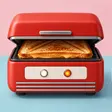
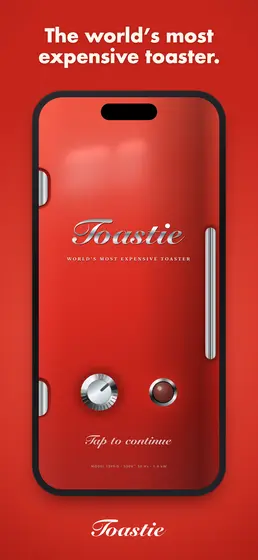
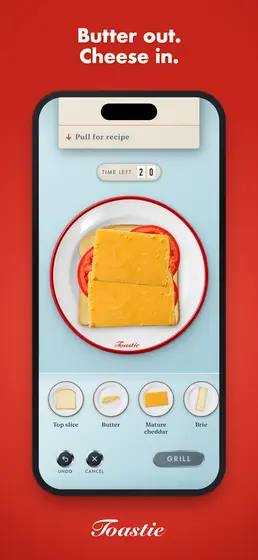
A grilled-cheese game where the Duo is the toaster. Build the sandwich from the order card on the open screen, close the phone to cook it, and open it again before the bread burns. Closed, the outer screen is drawn as a red toaster with a chrome dial. Apple's editors picked it for their Great Games on iPhone Duo collection.
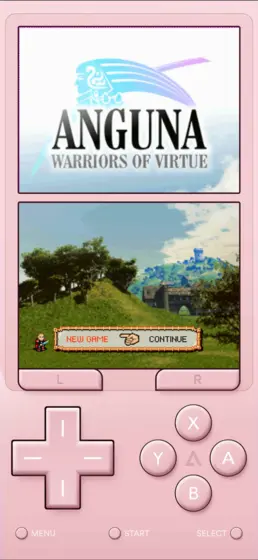
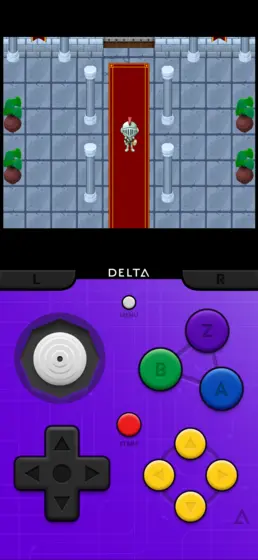
Seated, the Duo looks a lot like a Nintendo DS, and Delta 2.0 leans all the way in: the game sits on the top half, the touch screen and controls go on the bottom, and closing the phone puts the game to sleep, like shutting a DS lid. The same update adds Sega Genesis games. You'll need your own game files.
From its App Store pageBest for quick one-handed play
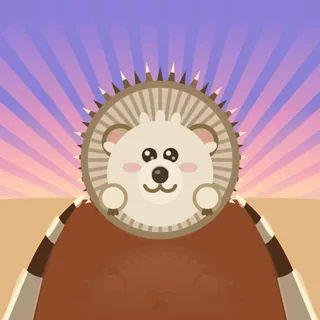
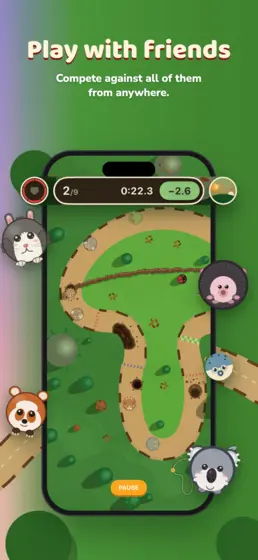
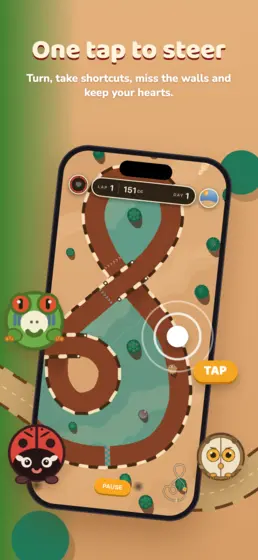
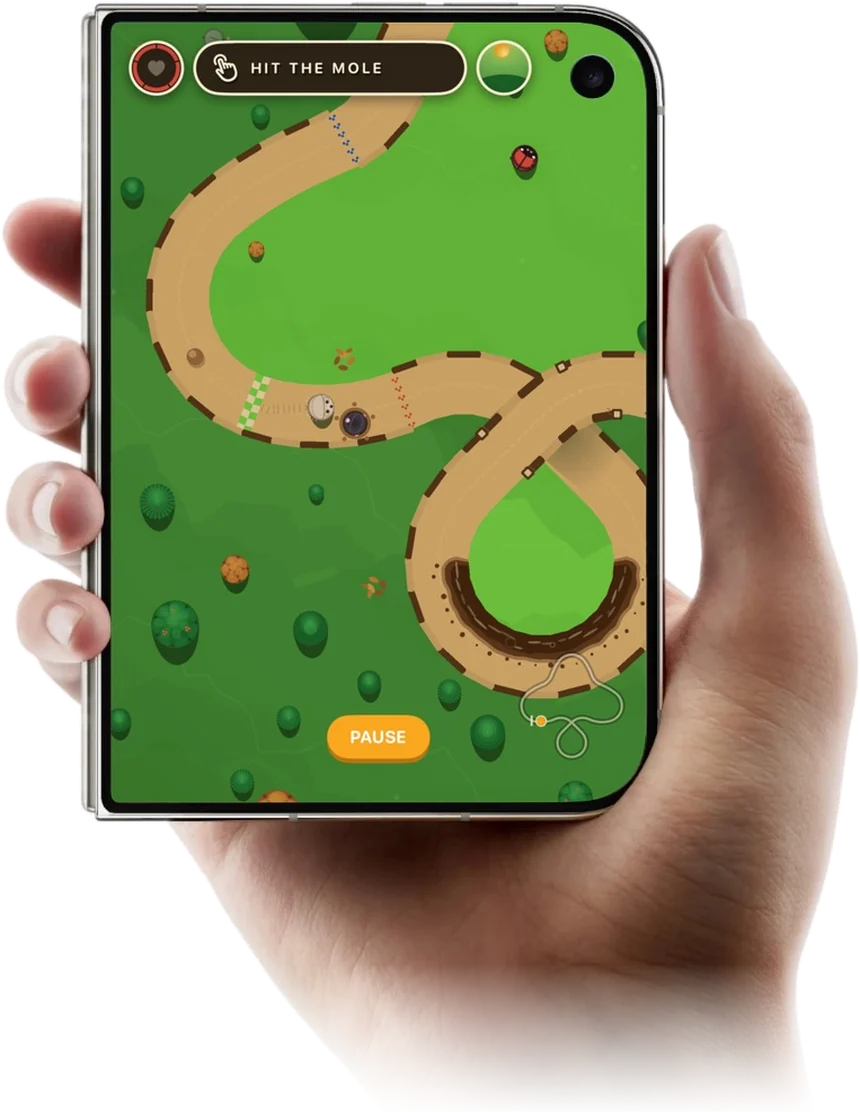
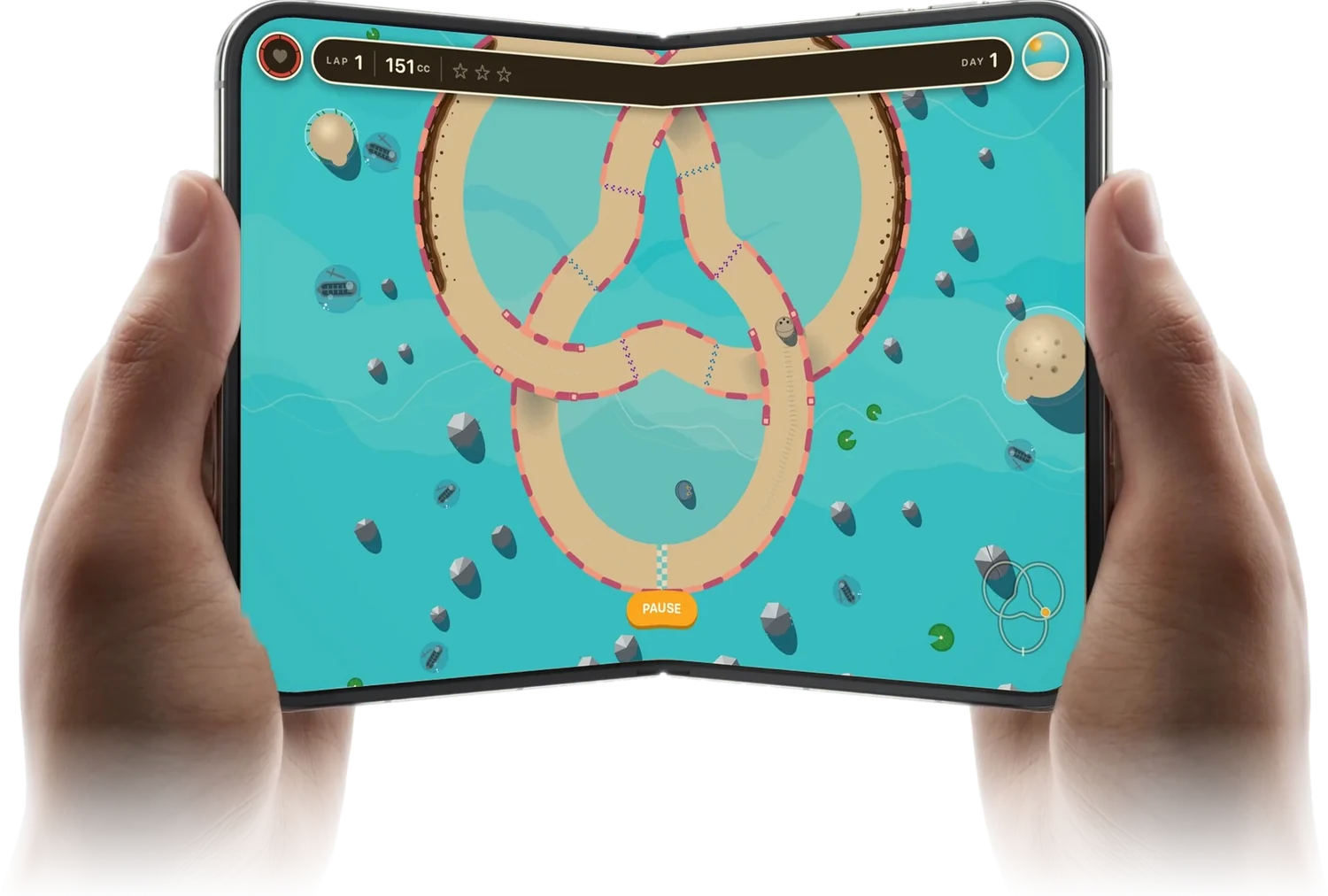
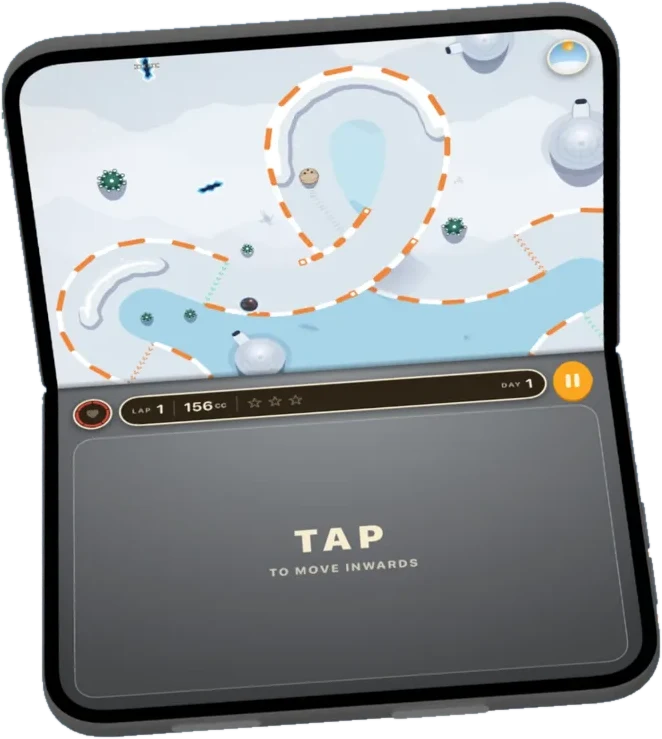
A one-tap racing game: your animal curls into a ball and rolls on its own, and every tap turns it. Set the Duo down seated and the track sits on the top half while the whole bottom half turns into one big tap pad, so you can play without looking at your finger. Closed, it plays like it does on any iPhone; open, the tracks spread across the big screen.
There are 20 animal racers, 36 handmade tracks in four worlds, a Grand Prix with a rival animal in every world, and Frost Valley, a snowy world where the ice cracks behind you, arrives December 1.
ClosedOpen, landscapeSeated
Free on iPhone, iPad and Mac, with optional in-app purchases. Every racer can be earned by playing.
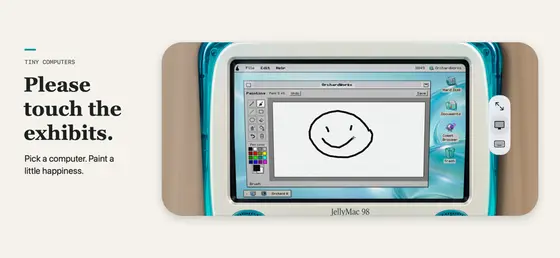
Ten miniature retro computers, inspired by machines like the Macintosh, Commodore 64, Amiga 500 and iMac G3. Seated, the screen stands up above and a working keyboard lies flat below, so you type on the machine itself. Close the Duo to browse the collection and pick your next exhibit.
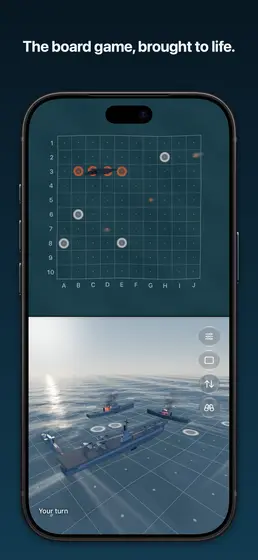
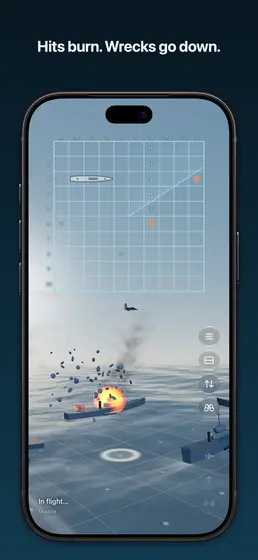
A naval battle game made for the seated pose: your fleet lies on the bottom half and the enemy's waters stand up across from you, like the classic board game. Play the AI at three levels, a friend on the same phone or another device, or online through Game Center. Open, it switches to a full-screen 3D ocean.
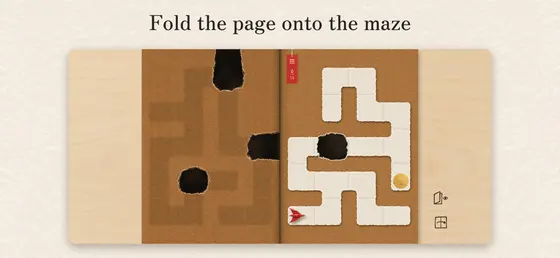
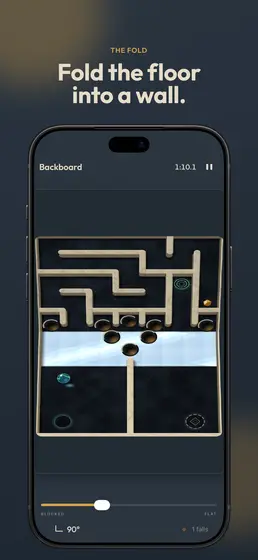
Folding the phone is the main control. Fold it like a book and the left page lands on the maze, bridging holes and pinning whoever is underneath; unfold it and the page lifts away. Closed, the folded maze carries on on the cover screen. 69 levels across six worlds, and on other iPhones and iPads a tap or pinch does the folding. Another pick from Apple's Great Games on iPhone Duo collection.
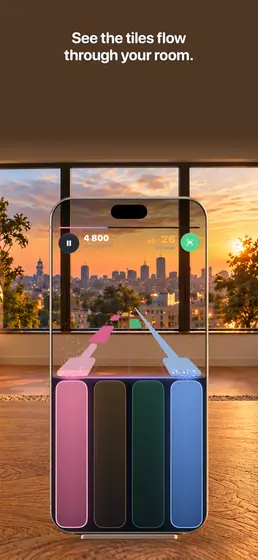
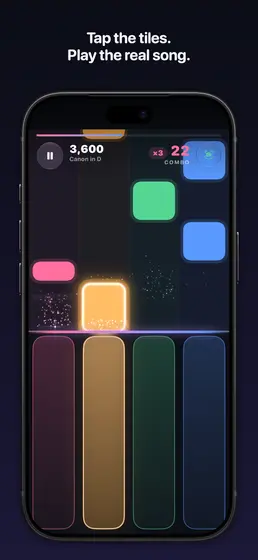
Set the Duo down seated and classical piano tiles glide down the top half toward pads under your fingers on the bottom half. Apple's editors picked it for their Great Games on iPhone Duo collection.
From its App Store pageBest use of the hinge in a game
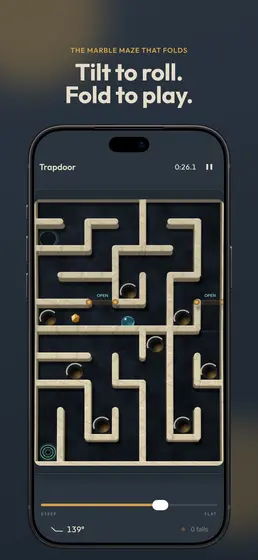
A marble maze where the two screens are two halves of one board and the hinge is a second control: bend the top half and its floor becomes a ramp, and snap the hinge to launch the marble. Five worlds add angle gates, ice and rails, and one gives you two marbles on two screens. Folding is optional on other iPhones and iPads.
From its App Store pageBest for playing with a friend
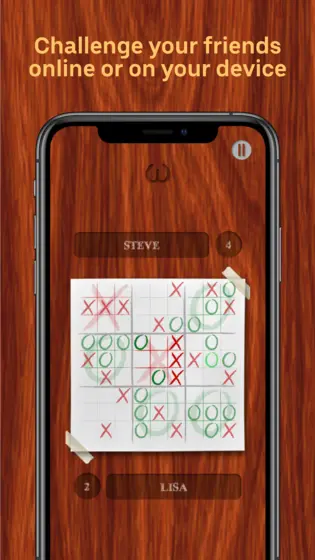
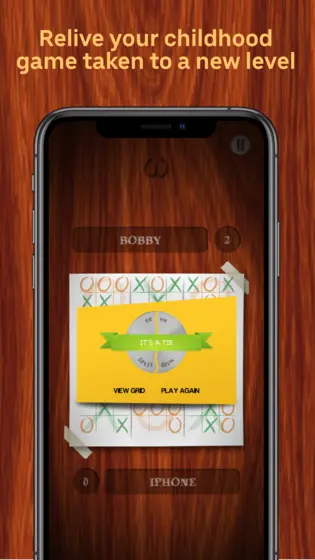
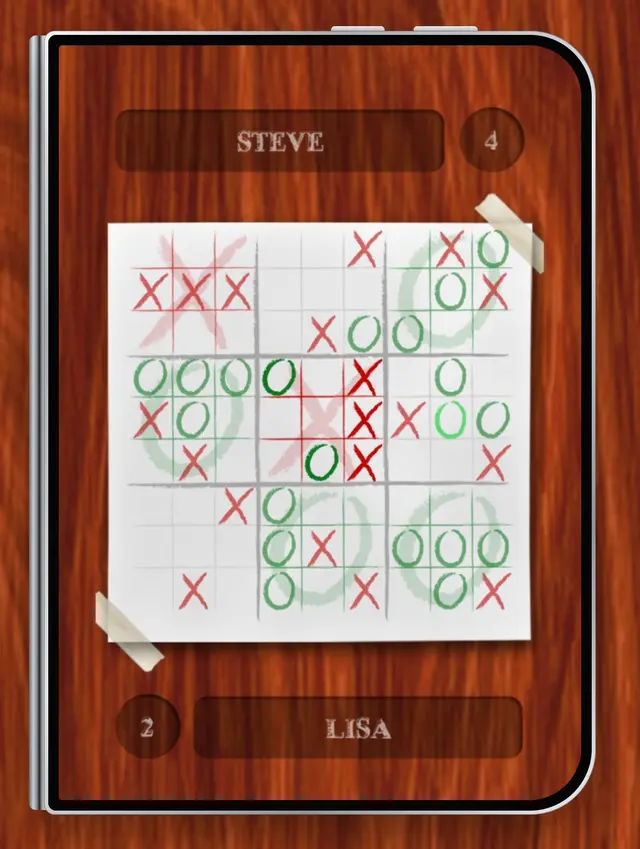
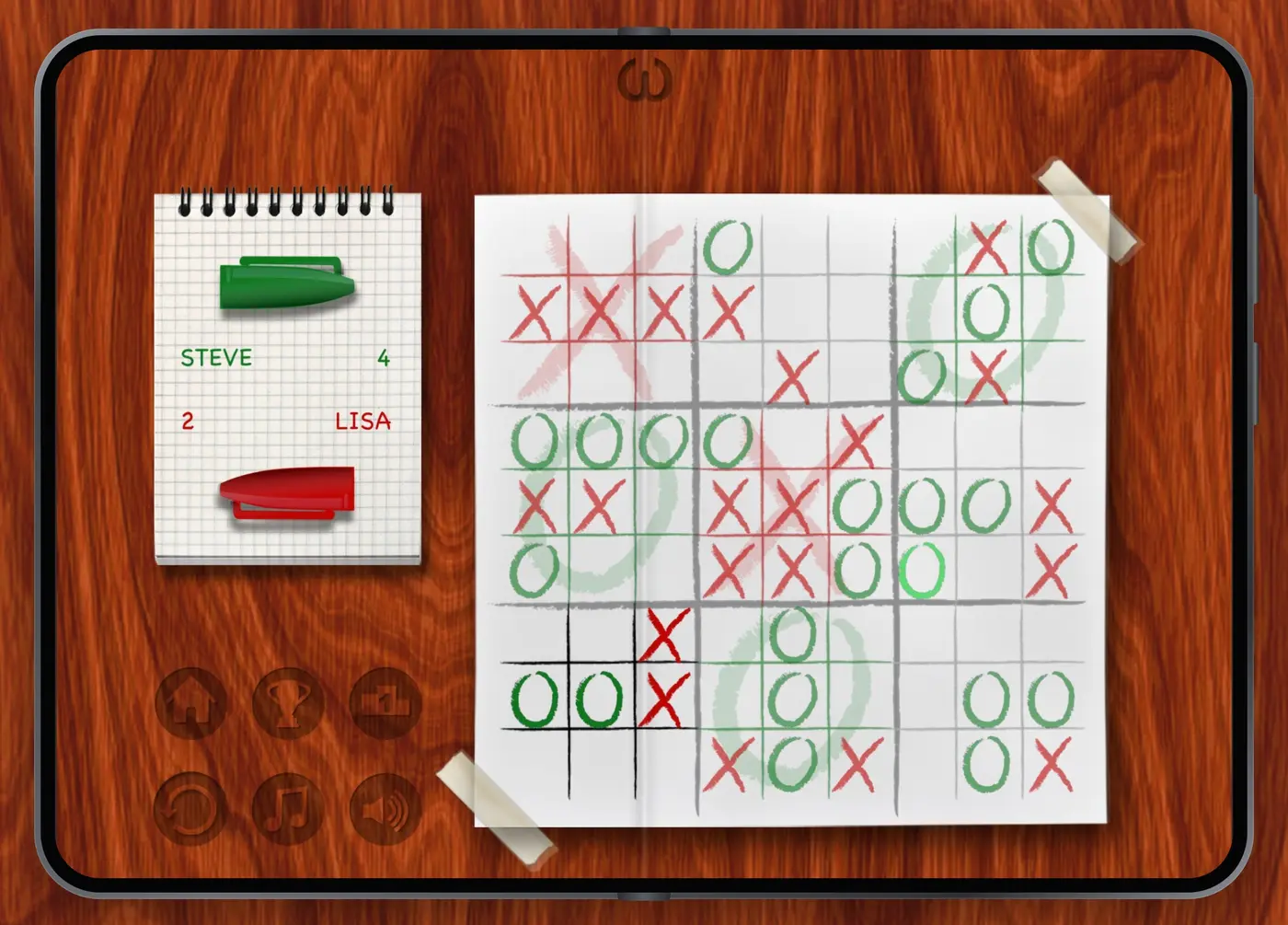
9x9 tic-tac-toe, also called ultimate tic-tac-toe: nine small boards inside one big one, and the square you pick decides which board your opponent plays next. Closed, it's the iPhone game. Open the Duo and it switches to the full table layout from iPad, with the scorepad beside the whole 9x9 board, which makes it a great phone to pass back and forth.
ClosedOpen, landscape
Free. Play the AI, a friend on the same phone, or online with Game Center.
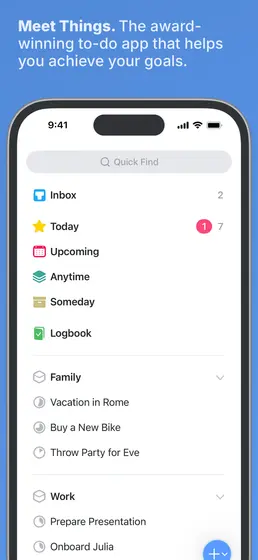
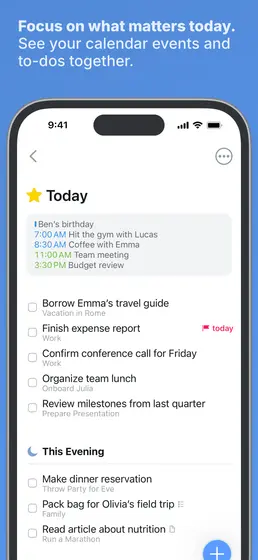
The to-do app got one of the most thorough Duo updates so far. Cultured Code says it reshapes itself for every pose, whether it's closed, open, folded like a book or in Split View, with a sidebar for your lists when it's open, side controls within reach of your thumb, multiple windows and desktop-class keyboard support. If you already own it on iPhone, the update is free.
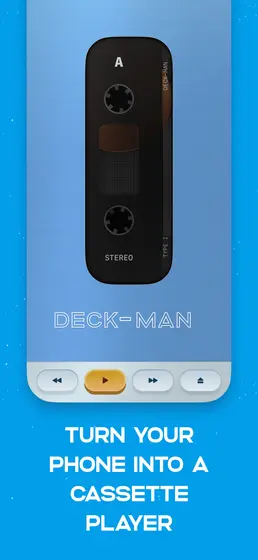
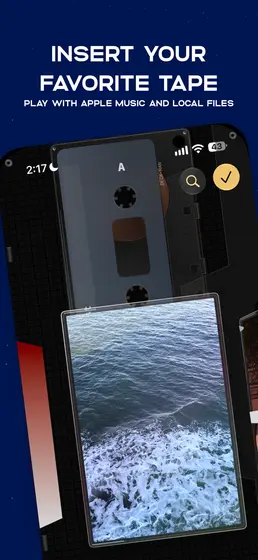
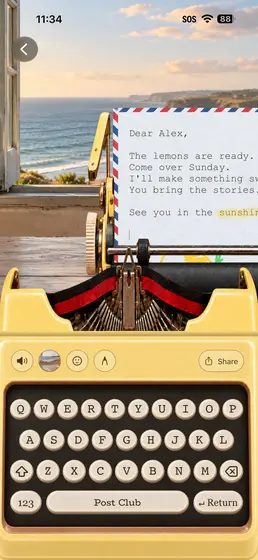
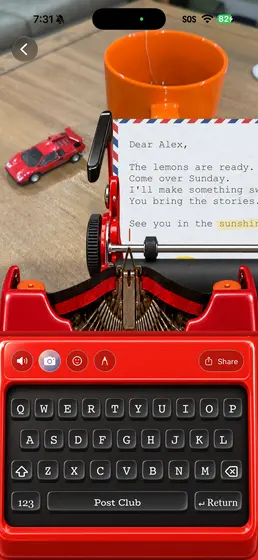
A virtual cassette Walkman, first shown as Duo-Man. Open the Duo to pick a tape and load it, then close it to start listening, with clicks and tape hiss recorded from a real Walkman. It plays from Apple Music and your own files.
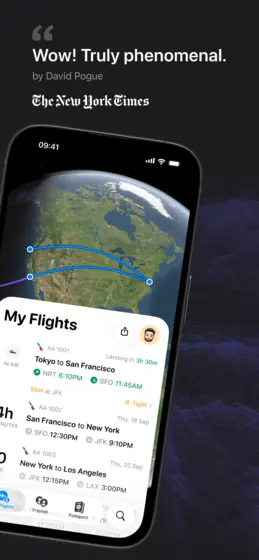
The flight tracker made the tent pose useful. Its iPhone Duo-exclusive In Flight Mode is built for it: prop the Duo up like a tent on your tray table and follow your flight's progress hands-free.
Free, with a paid Pro tier. Recommended by TechCrunch, and its App Store page shows In Flight Mode for tent as an iPhone Duo exclusive. View on the App Store
Odyz Made by us
by wOzy
From its App Store pageBest for travelers
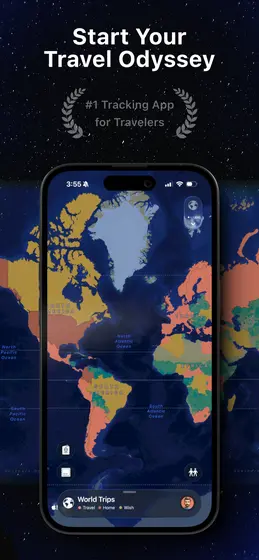
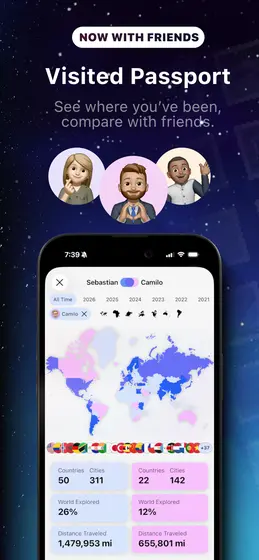
Odyz turns the photos already on your phone into trips, a 3D map and a digital passport of every country and city you've visited, with a landmark stamp for each place. It's updated for the Duo, so your map and passport fit the outer screen when it's closed and the big screen when it's open. There's no account to make, and your photos are processed on your device.
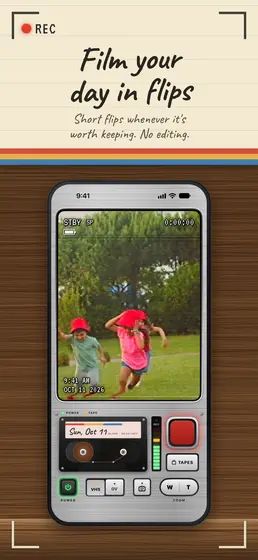
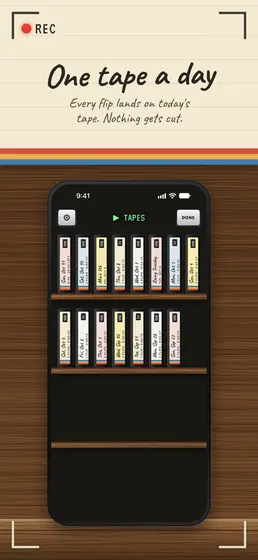
A retro camcorder that records your day in short clips onto one dated tape. Opening the Duo warms up the viewfinder, opening it all the way shows the person you're filming a red REC light on the outer screen, and closing it mid-shot saves the clip. Pick VHS or MiniDV looks. Videos stay in the app on your phone.
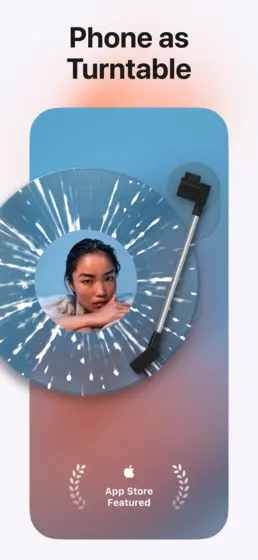
A music player built around a virtual turntable, for Apple Music or Spotify. Set the Duo half-open on your desk and it becomes a little record player, with the album art above the spinning vinyl, and the 3D album shelf responds as you fold the screen.
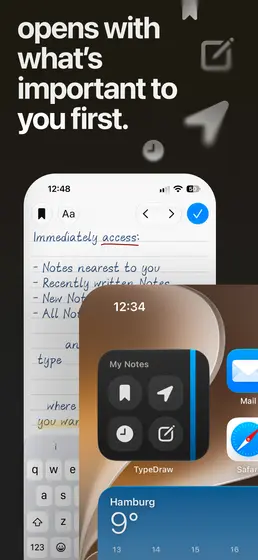
A notebook that opens the moment you unfold the Duo, to a blank note, your latest one or the one written closest to where you are, with 12 handwritten typefaces. No account; notes stay on your phone.
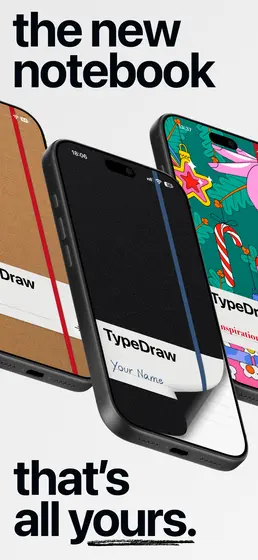
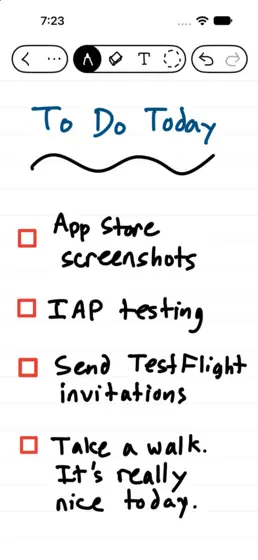
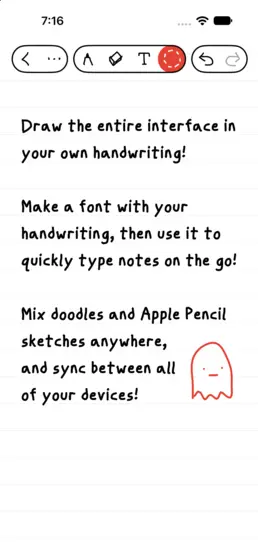
A free handwritten notebook from Marco Arment's company that can turn your handwriting into a font. It's best with an Apple Pencil, which works on both of the Duo's displays from iOS 27.2.
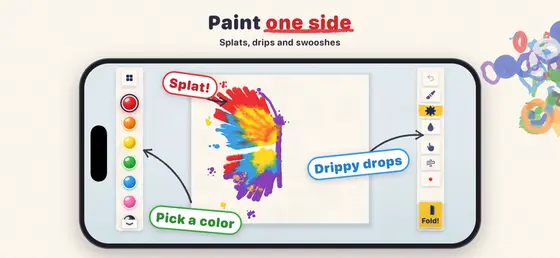
The paint-blot trick from childhood: drop paint on the open screen, close the Duo, rub the outer screen and open it again to a symmetrical picture. Start from a blank sheet or a butterfly, owl or heart guide.
We checked each app's App Store page, read the iPhone Duo roundups and reviews from MacRumors, TechCrunch, MacStories, Pocket-lint, iThinkDifferent, Mobilegamer, TechRadar, PhoneArena and others, plus Apple's own Great Games on iPhone Duo collection, and kept the indie apps that at least two of them recommend. Big publishers and Apple's own apps are left out. Each app's sources are linked under it, and its poses come from its App Store description, screenshots and release notes, and from those sources.
Prices are as of November 2026 on the US App Store and can change. Building a Duo app we should know about? Tell us, and we'll keep this page updated.
Frequently asked questions
What are the iPhone Duo's poses?
Apple's design guidelines show six: closed, using the outer display like a regular iPhone; tent, partially folded and stood on its edges with the outer display facing you in landscape; open in landscape; book, partially folded like a book with the inner display facing you in landscape; open in portrait; and seated, partially folded and set down like a small laptop with the inner display facing you in portrait.
What games use the iPhone Duo's seated pose?
Delta plays Nintendo DS games with the game on top and the touch screen and controls below. Animal Loop puts the track on top and turns the whole bottom half into one big tap pad. Battlefleet Duo lays your fleet on the bottom and stands the enemy's waters up across from you. Tiny Computers puts a retro computer screen above a working keyboard, and PianoFold plays piano tiles toward pads under your fingers.
What apps work in iPhone Duo's tent pose?
Flighty is built for it: its In Flight Mode, an iPhone Duo exclusive, lets you prop the Duo up like a tent on your tray table and follow your flight hands-free. MD Vinyl becomes a little record player when you set the Duo half-open on a desk, and Things 3 says it adapts to every pose.
Are there free games for iPhone Duo?
Yes. Animal Loop, TicToe Fury, Delta and PianoFold are free to download, and Battlefleet Duo is free with two battles a day and a one-time purchase for unlimited games. Prices are as of November 2026 on the US App Store.
Try ours
All three of our Duo apps are free and work in every pose but tent. If you only try one, make it Animal Loop: set your Duo down seated and race.